Who Builds Your UV DTF Printer?
Most of our core machines are built in our own factory, and we answer for build quality and delivery under your order terms.
Gold foil and crystal labels often mean outsourcing every small run. A UV DTF printer makes crystal transfer labels in your own shop on A2 or 60 cm film, and the dual-film models add gold and silver foil.
Request a QuoteView Photos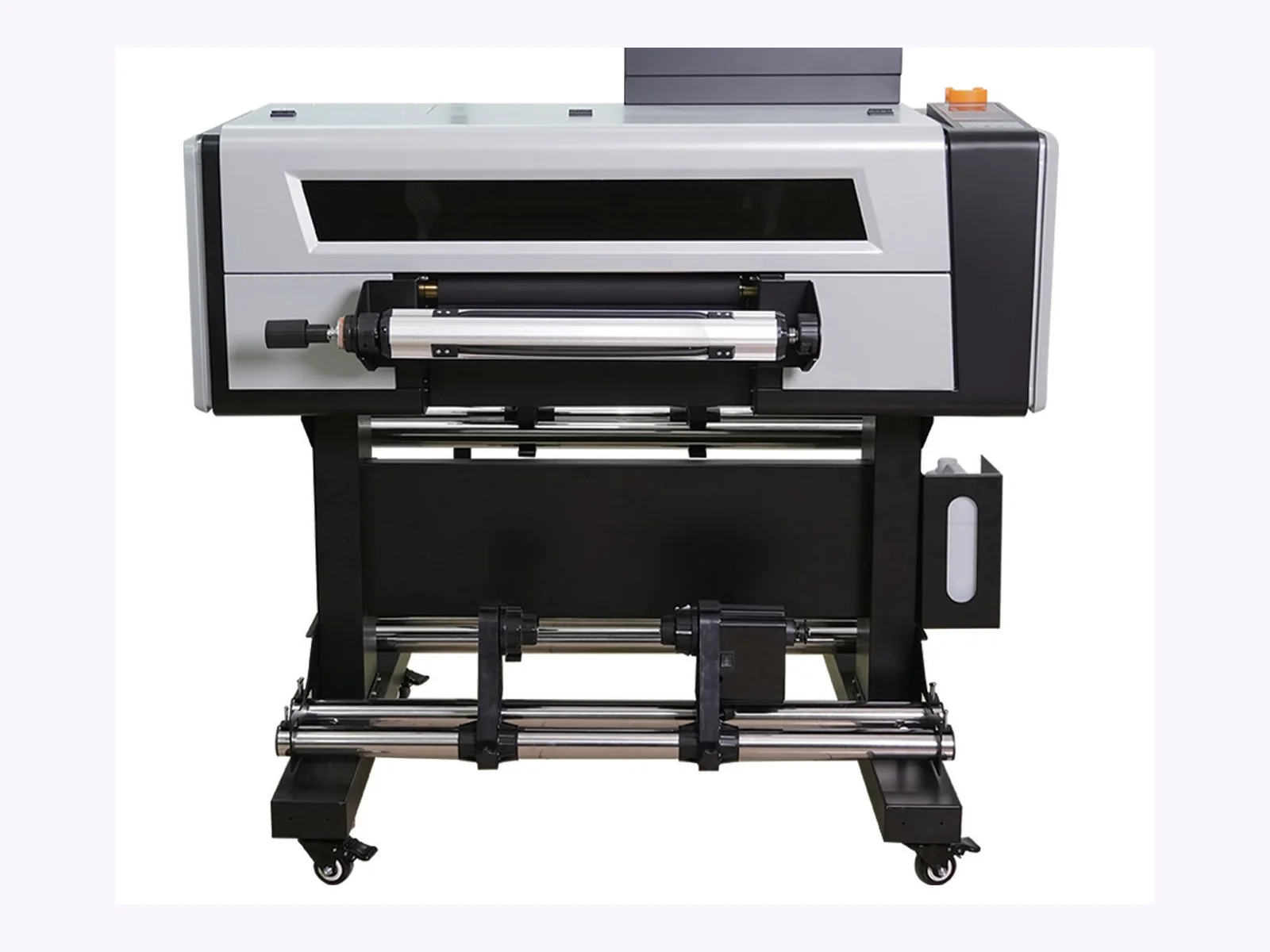
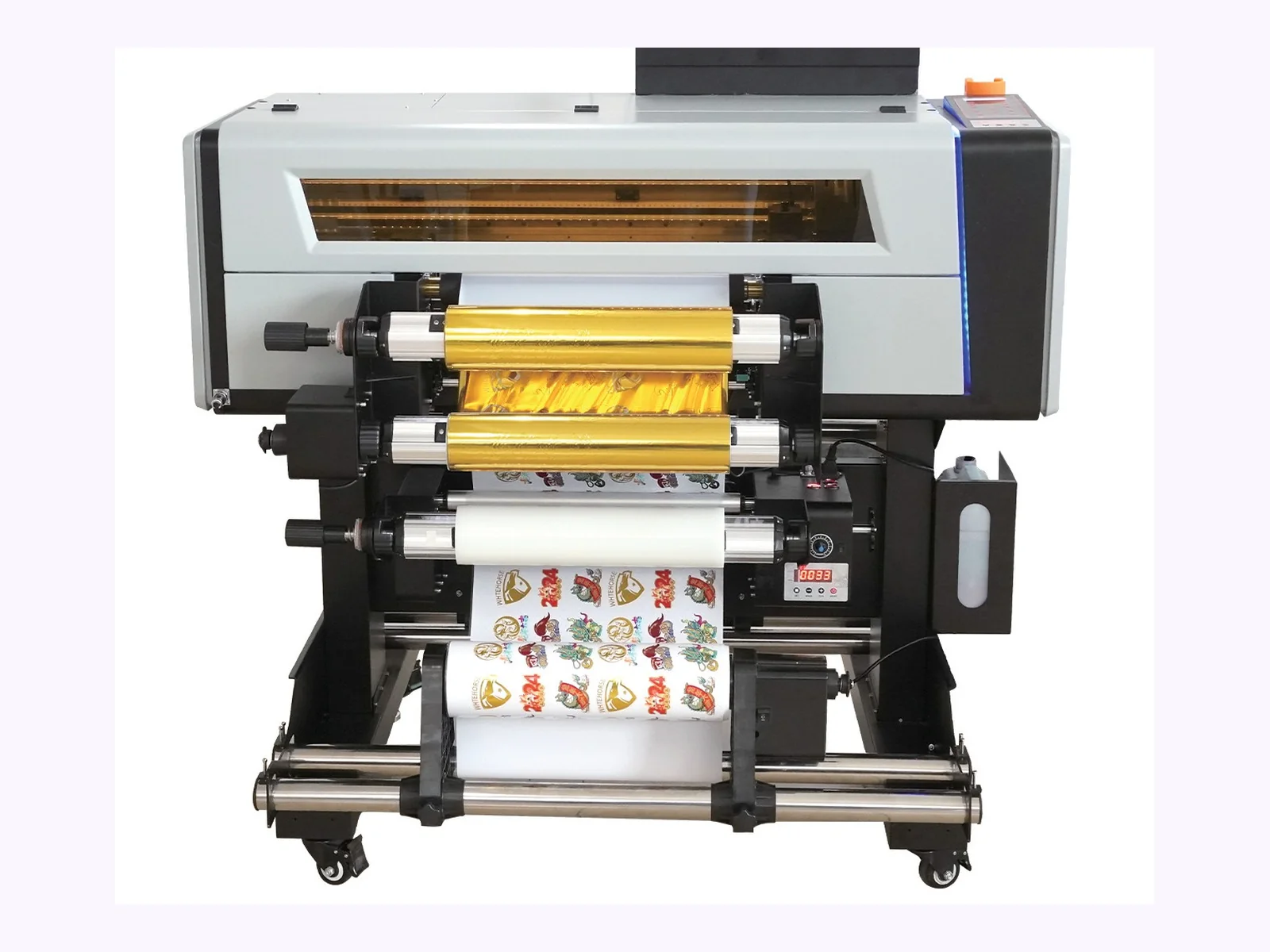
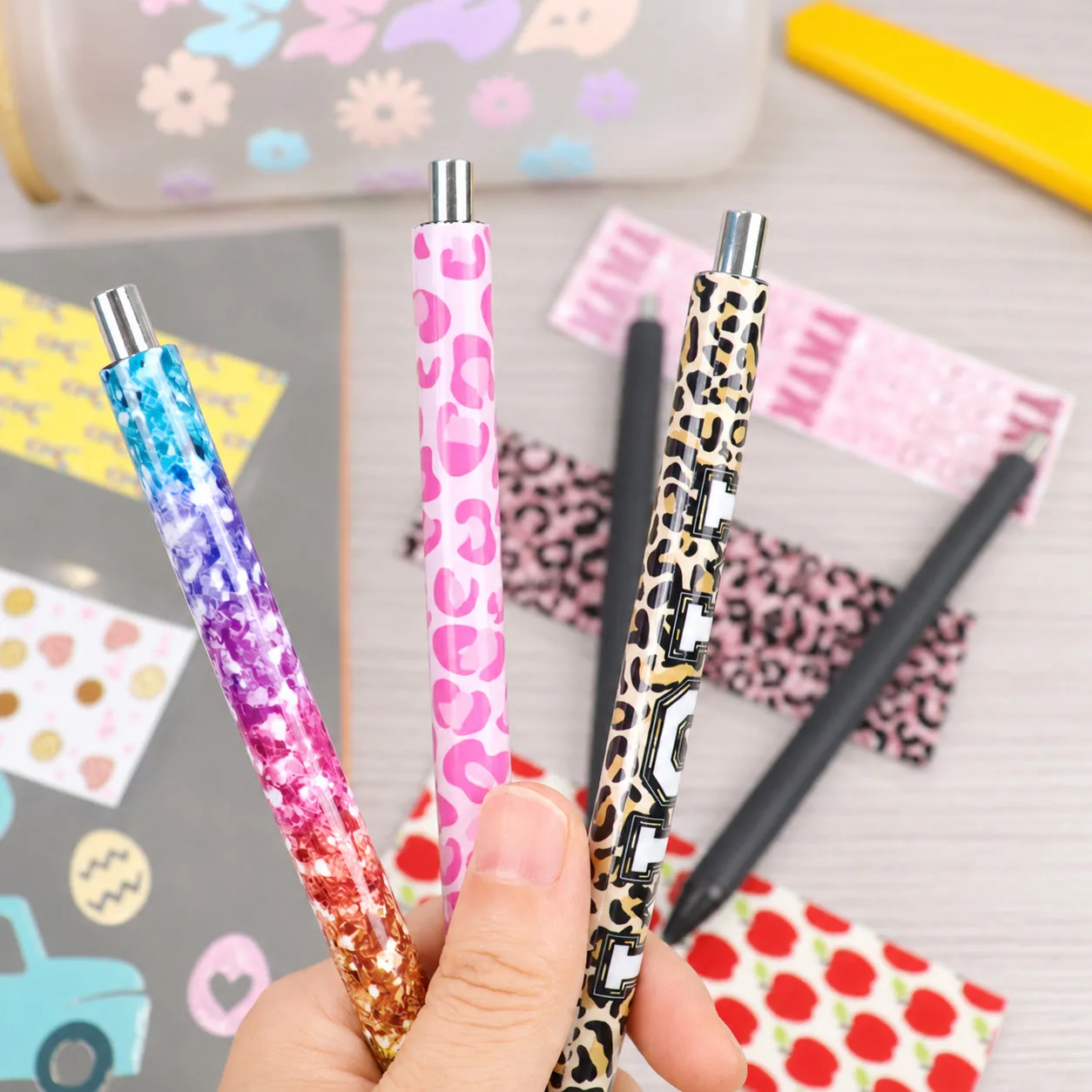
A UV DTF printer prints your design onto film in layers: color, a white layer and a varnish, with glue where needed. You laminate the film, peel it from its backing and press the transfer onto the product. It stays on as a raised, glossy label. It works on smooth, rigid surfaces such as glass, metal tins, ceramic mugs and screw lids.
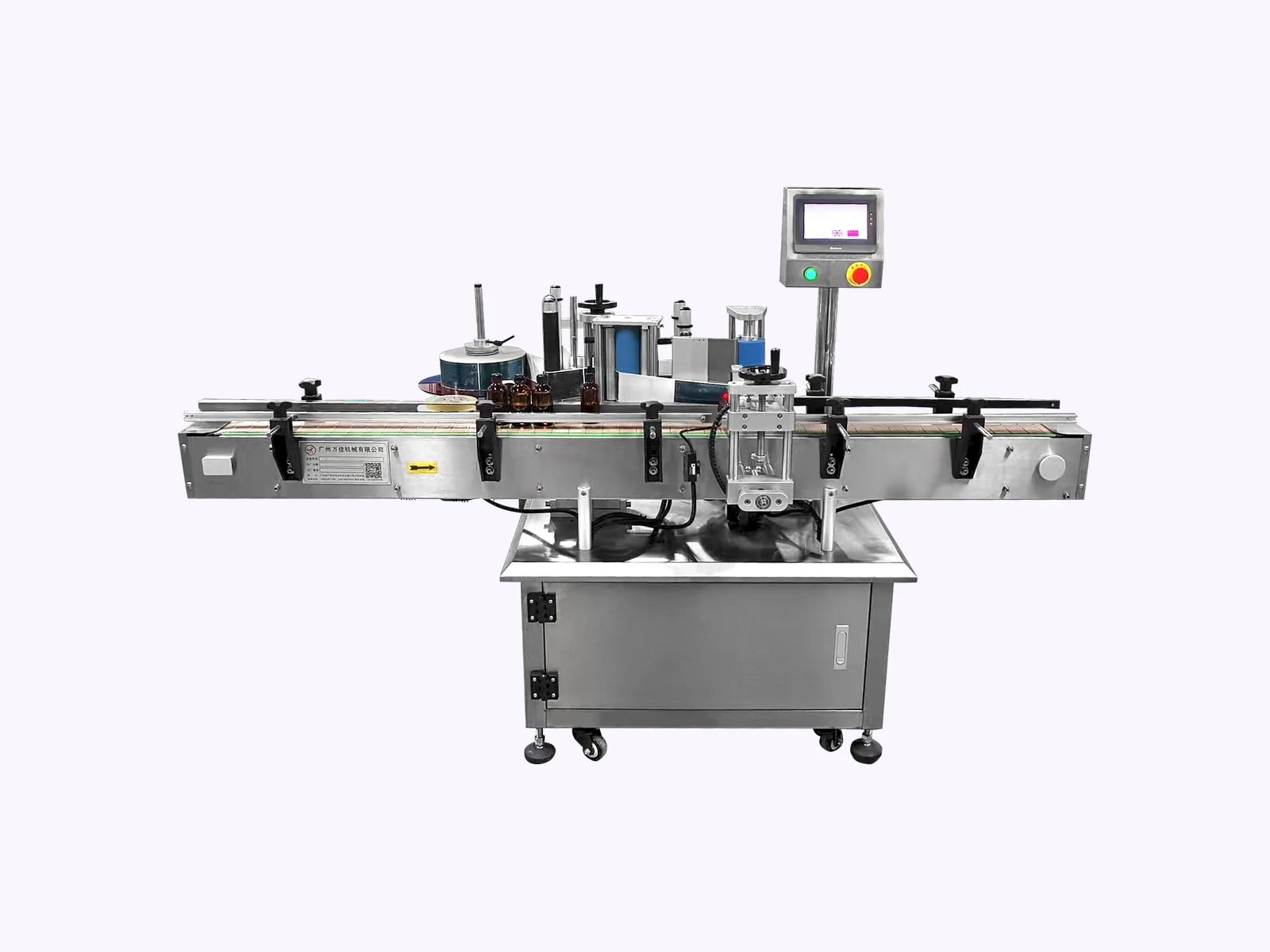
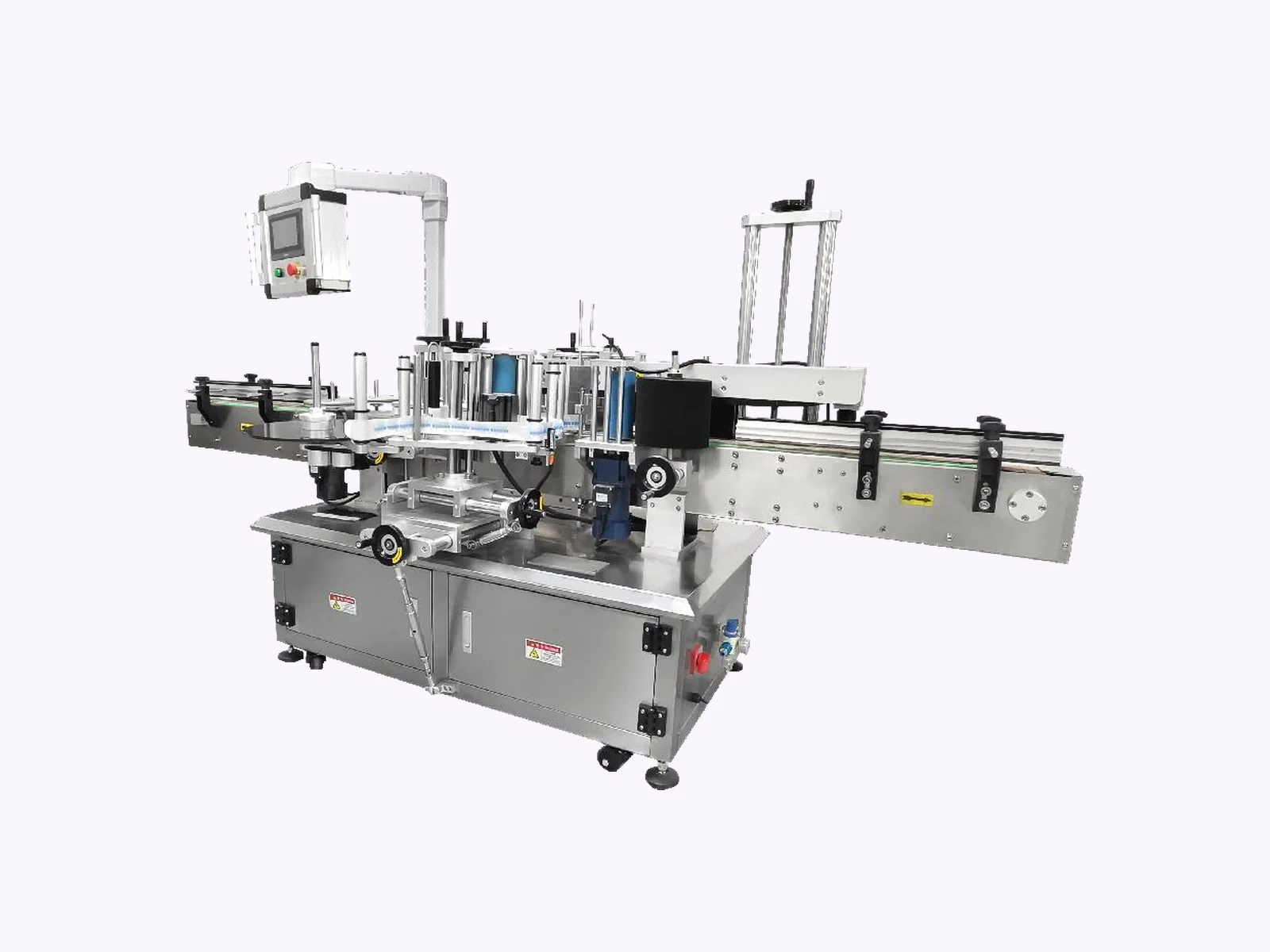
The dual-film models add hot stamping, so one machine prints, applies gold or silver foil, laminates and winds. The A2 models print 420 mm wide and the 60 cm models 600 mm. All four run on Sai Flexi RIP software on Windows 10 or above and accept Tiff, Jpeg, Bitmap, Eps, Pdf and PNG files.
Discuss Your ApplicationThese four points decide which printer fits.
Most of our core machines are built in our own factory, and we answer for build quality and delivery under your order terms.
Print-only models make film that you laminate elsewhere. Dual-film models also stamp foil, laminate, strip waste and wind the film.
White ink settles if it sits. A circulation and stirring system keeps it moving, which prevents clogs and patchy white.
Gold or silver foil needs the four-head setup. Color and white printing run on three.
Send the products, the label sizes and your daily area. We pick the format.
Four models in two widths. Options and spare parts are listed in your quotation.
Print-only or dual-film with stamping.
| Parameter | A2 Print-Only | A2 Dual-Film |
|---|---|---|
| Functions | Printing on AB film, with dual large rubber feed rollers | Printing, hot stamping, laminating, waste stripping, film coating, winding |
| Print heads | i1600, 3 heads | i1600, 3 heads (4 for hot stamping) |
| Speed (8 pass) | 5.6 m²/h | 5.7 m²/h |
| Speed (12 pass) | 3.5 m²/h | 3.8 m²/h |
| Speed (16 pass) | — | 3.0 m²/h |
| Media | AB film | Release paper, release film, AB film |
| Colors | CMYK + white + varnish | Glue + white + CMYK + varnish |
| Size (L × W × H) | 1370 × 900 × 1400 mm | 1250 × 1030 × 1250 mm |
| Weight (net / gross) | 200 / 260 kg | 200 / 260 kg |
Wider format for larger runs.
| Parameter | 60 cm Single-Film | 60 cm Dual-Film |
|---|---|---|
| Functions | Printing, laminating, rewinding | Printing, hot stamping, laminating, waste stripping, film coating, winding |
| Print heads | i1600 or i3200, 3 heads | i1600 or i3200, 3 heads (4 for hot stamping) |
| Speed (8 pass) | 6.8 m²/h | 6.8 m²/h |
| Speed (10 pass) | 5.4 m²/h | 5.4 m²/h |
| Colors | CMYK + white + varnish + glue | Glue + white + CMYK + varnish |
| Ink capacity | 1.8 L | 1.8 L |
| Size (L × W × H) | 1820 × 1110 × 1510 mm | 1820 × 1110 × 1510 mm |
| Weight (net / gross) | 238 / 320 kg | 339 / 415 kg |
The same on all four models.
| Parameter | What We Check |
|---|---|
| RIP software | Sai Flexi on all four models. |
| Computer | Windows 10 or above. |
| Image files | Tiff, Jpeg, Bitmap, Eps, Pdf and PNG. |
| Film | Release paper, release film or AB film. The A2 print-only model takes AB film. |
| Resolution | 2400 DPI. |
UV ink is sensitive to the room.
| Parameter | What We Check |
|---|---|
| Temperature | Keep the room at 25–30 °C. |
| Humidity | Keep relative humidity at 50–75%. |
| Power | A2: 220 V, 50–60 Hz, 1,300 W. 60 cm: 220 V, 50–60 Hz, 2,050 W. |
| Crating | A2 packs at 1500 × 1150 × 1460 mm or 1700 × 810 × 770 mm; 60 cm at 1890 × 1110 × 1570 mm (single) or 1890 × 1250 × 1570 mm (dual). |
| Ink | Check that UV ink and film are easy to buy in your region. |
Speed depends on the pass count.
| Parameter | What We Check |
|---|---|
| Pass count | 8 pass is fastest. 12 and 16 pass are slower and finer. |
| Daily area | Work out the square meters you need per day from the label sizes you print. |
| Foil | Hot stamping needs four heads and an extra stage. |
| Waste | Film and ink use depend on how you lay out the labels. |
The four formats next to ordinary sticker printing.
| This EquipmentA2 Dual-Film Printer | A2 Print-Only | 60 cm Printer | Standard Sticker Printing | |
|---|---|---|---|---|
| Print width | 420 mm | 420 mm | 600 mm | Varies |
| Foil stamping | Yes, with four heads | No | Dual-film model: yes | No |
| Laminating | Built in | Laminate elsewhere | Built in | Separate |
| Best for | Small shops, foil and crystal labels | Print only, laminate elsewhere | Higher volume | Flat stickers |
| Check first | Four-head setup | Where you laminate | Floor space and power | Finish and durability |
Common surfaces for UV DTF transfers and what to check on each.
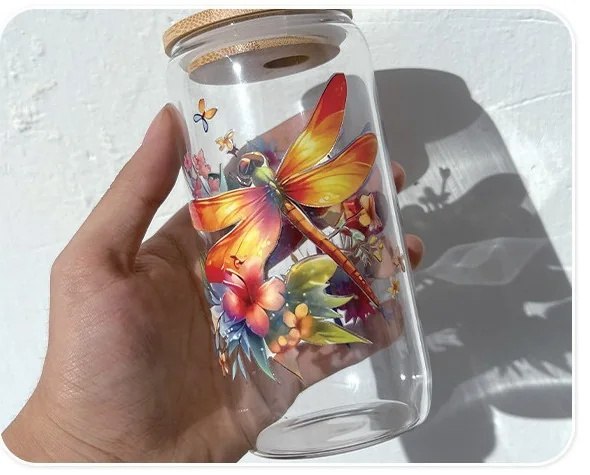
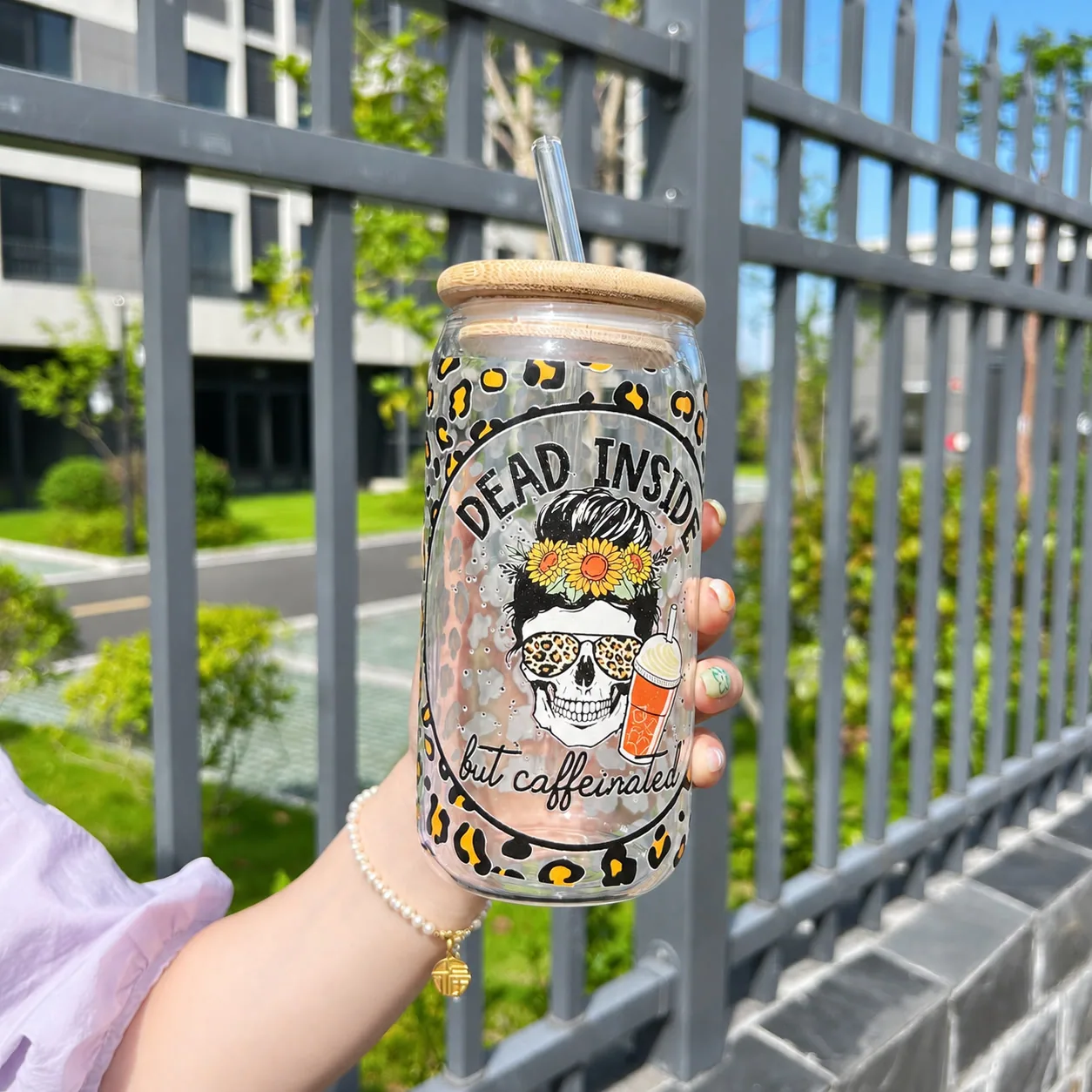
Color, white and varnish layers give a bright, raised label on a glass tumbler or jar.
Discuss This Application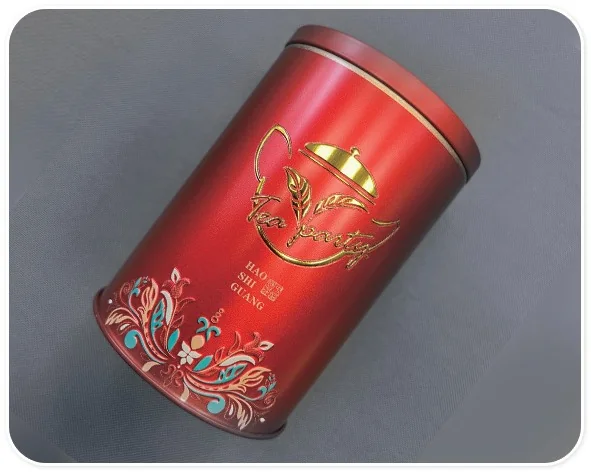
Dual-film printers add gold or silver foil to the transfer. Send your tin so we can test it.
Discuss This Application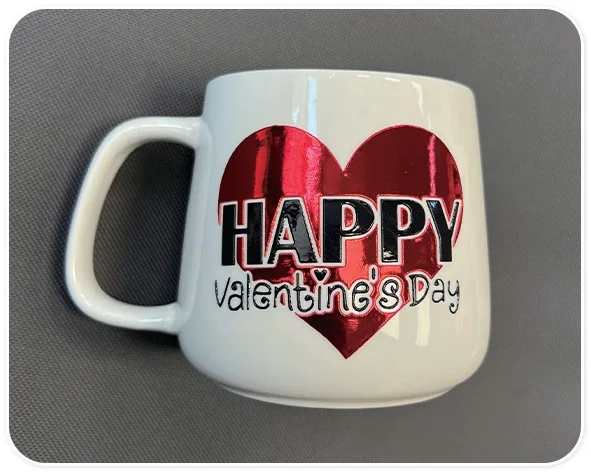
Foil and color transfers sit well on a smooth ceramic surface.
Discuss This Application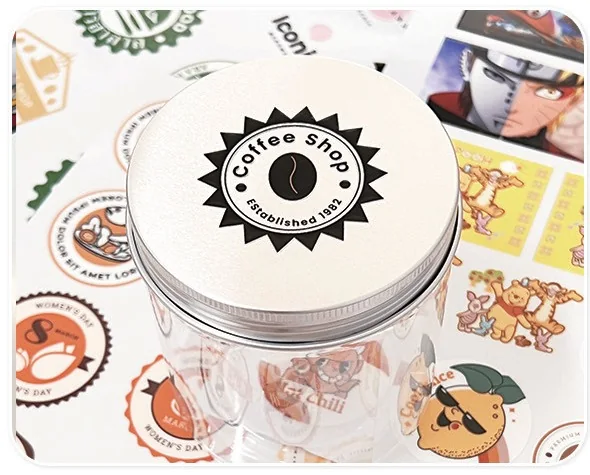
Round transfers suit screw lids. Tell us the lid diameter.
Discuss This Application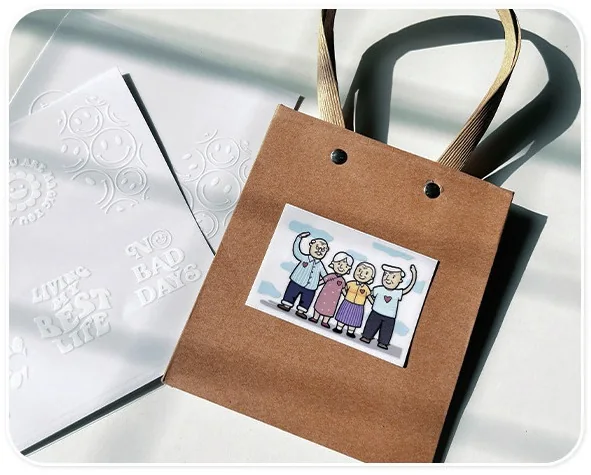
Transfers also stick to cardboard and paper bags. Test your own stock first.
Discuss This ApplicationThe problems buyers ask about most.
Write the test artwork, the pass criteria and what ships with the printer into the quotation.
Discuss Acceptance CriteriaWith these details we can pick the format and plan the test print.
Have another material or format?
Share your requirements.
Send artwork, a product and your daily area.
We recommend A2 or 60 cm, print-only or dual-film.
Agree a sample print and an adhesion test.
Review the price, the UV DTF printer configuration and terms.
Run the checks you agreed on the UV DTF printer, then crate and ship.
It prints a design onto film in layers of color, white and varnish. You laminate the film, peel it from its backing and press the transfer onto a surface. The label stays on as a glossy, raised sticker.
DTF printing is usually for fabric, with powder and heat. UV DTF cures with ultraviolet light and makes stickers for hard surfaces such as glass, metal and ceramic.
The A2 prints 420 mm wide at 5.6–5.7 m²/h in 8 pass. The 60 cm models print 600 mm wide at 6.8 m²/h. Choose by your label sizes and the square meters you need each day.
Gold or silver foil needs the four-head setup. Color and white printing run on three heads.
The dual-film models support gold and silver foil, laser effects and partial stamping. The print-only model does not.
The printer and its software. Consumables such as ink and film are quoted separately; ask us for the list.
Tell us what you print on and how much. Add the rest when you have it.
Send a design and a product sample. We reply with the printer format we recommend.
Get a Quote